A-PLUS Author Studio

Made for independent authors

Create five Amazon-ready A+ images for your book.

Turn your book details into a coordinated design, without hours of work. No coding or design experience needed.

$97 introductory price. No studio subscription.

From book to beautiful listing

01 / 03
5 Amazon-ready PNGs

No design skills needed

No monthly subscription

A LITTLE INPUT. A WHOLE NEW LOOK.

Watch your book page come together.

SilentSped-up walkthroughOpen video separately ↗

See the studio turn a book into a complete set of A+ images in this sped-up walkthrough.

01

Bring your book

Add your title, description, and the details that make it yours.

02

Let the studio create

The tool researches your book and generates five coordinated modules.

03

Give your page its finishing touch

Download your PNGs and upload them to Amazon’s A+ Content builder.

Built for indie authors

You're the author. Not the art department.

You have a book in progress, a launch to manage, and a full life around it. Your Amazon page still needs to look like you mean business.

Sure, you could spend hours wrestling with Amazon's builder yourself. Or get it done in under 10 minutes and move on with your life.

You've tried searching for a freelancer before. It took too long, cost more than expected, or came back looking like it belonged to someone else's book. And doing it yourself meant staring at Amazon's blank A+ Content builder, losing hours, and never quite landing on a look that felt right. A-PLUS Author Studio gives you a polished starting point you can use today — without adding another complicated service to your plate.

Why A+ Content matters

A+ Content can increase sales by 8%–20%, based on Amazon's internal data.

The visual difference

Your Amazon page should look as good as your book.

Blank, sparse, or mismatched A+ sections can make a professional book look unfinished. Thoughtfully designed A+ Content helps the whole page feel complete, credible, and ready for a reader's attention.

Before
A page that feels unfinished

Needs work
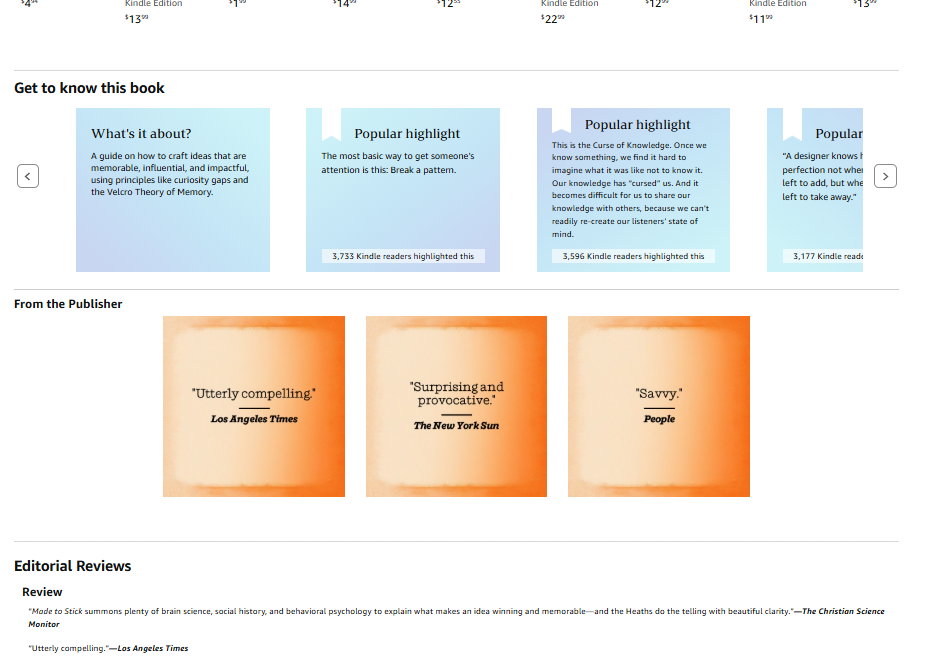
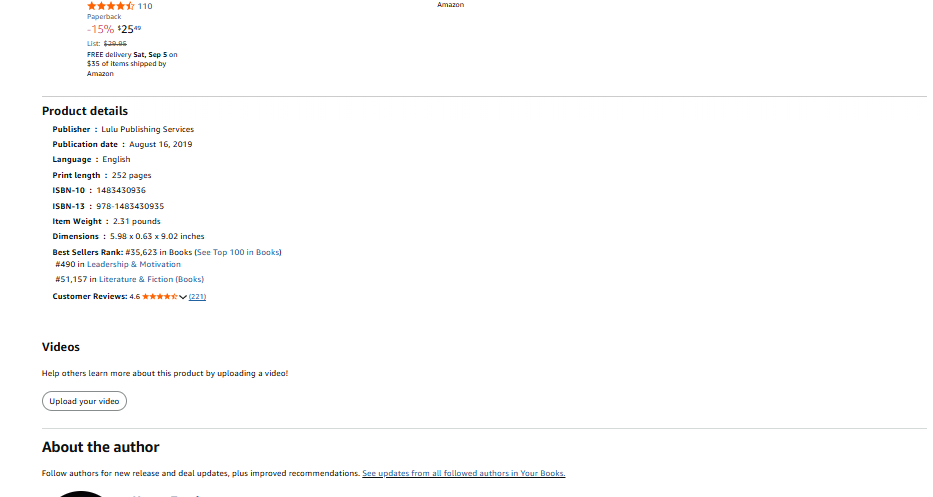
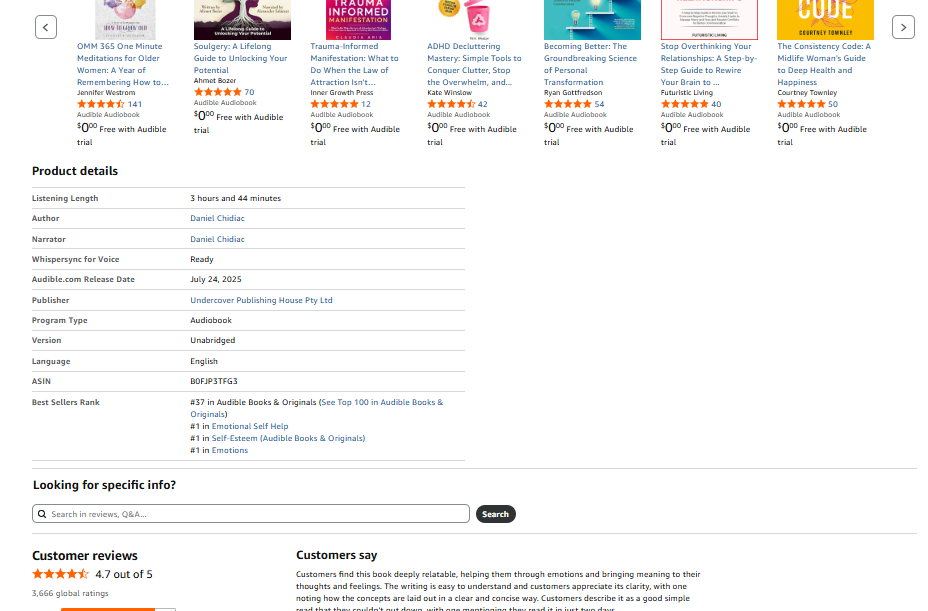
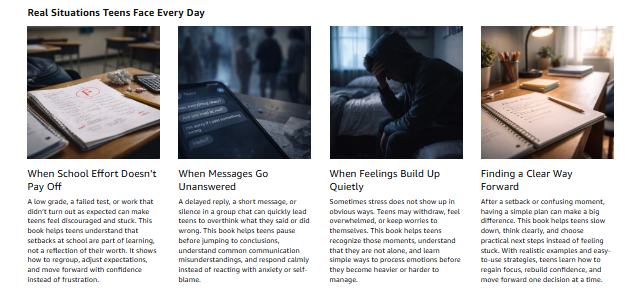
Supplied example of sparse Amazon A+ Content with large areas of unused spaceSupplied example of a basic Amazon content layout with weak visual hierarchySupplied example of an underdeveloped Amazon product content sectionSupplied example of mismatched, DIY-looking Amazon A+ Content

Blank, sparse, or DIY-looking A+ Content

After
A page with a clear point of view

Cohesive
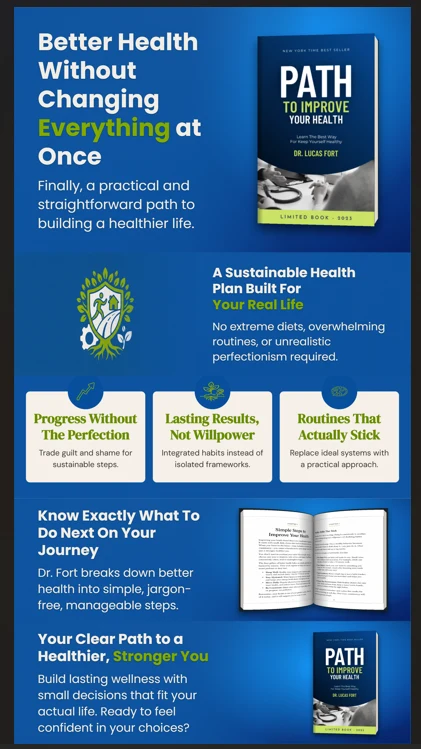
Amazon A+ ContentIllustrative completed stack
Completed A+ Content stack example for a non-fiction health book, showing a cohesive book promise, supporting benefits, and branded visual modules.

Illustrative completed stack example; not a guaranteed customer result.

A cohesive, professional page built in minutes

Examples shown for illustration. Results and final designs vary by book and user input.

A few completed stacks

See the whole story at a glance.

Three examples from the same five-module system, shaped around three different book promises.

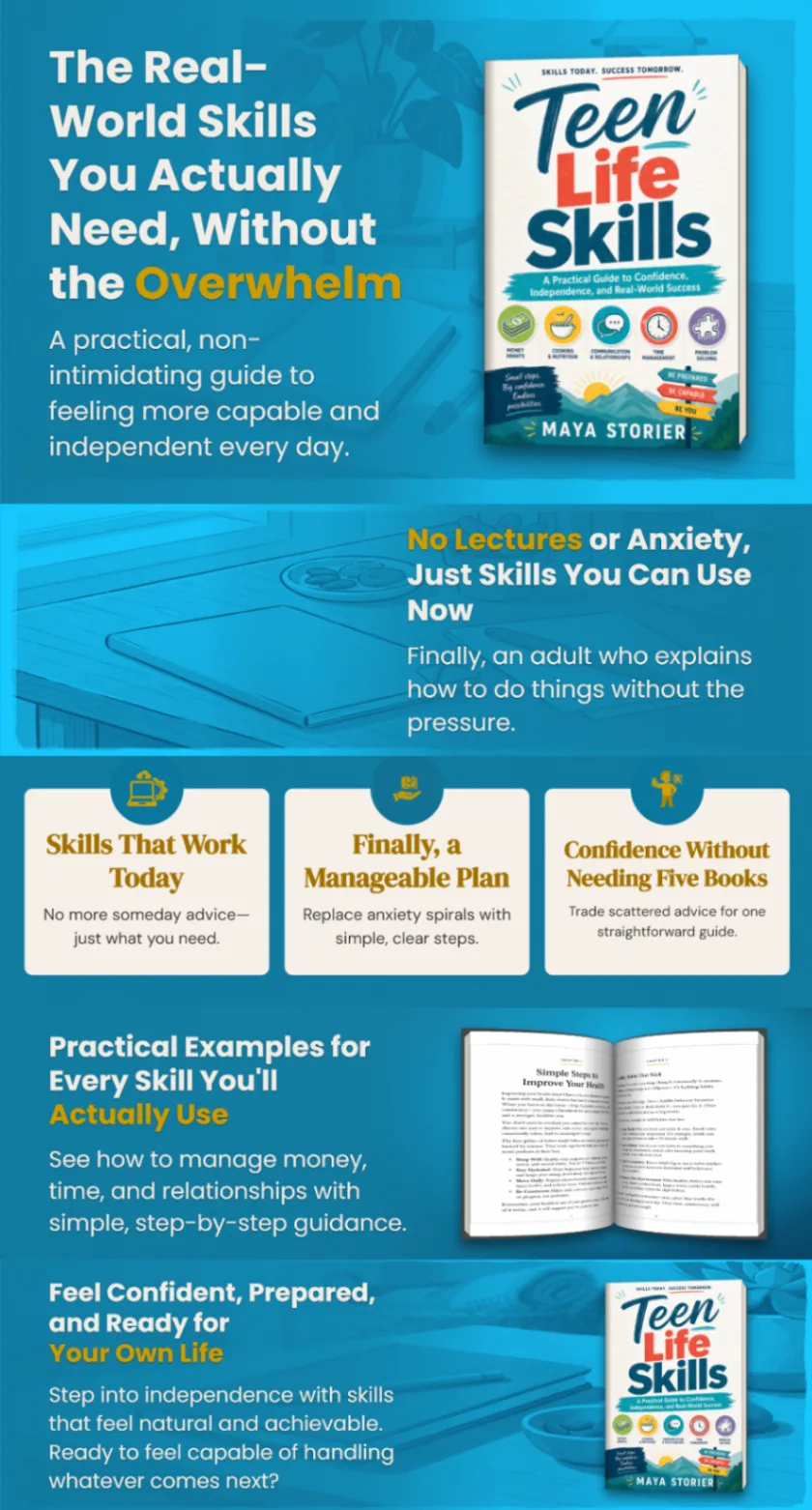
Complete five-module illustrated A+ content stack for Teen Life Skills, with a cyan typographic layout, book cover, skill cards, and supporting interior pages.

01 / 03

Teen Life Skills

Illustrated

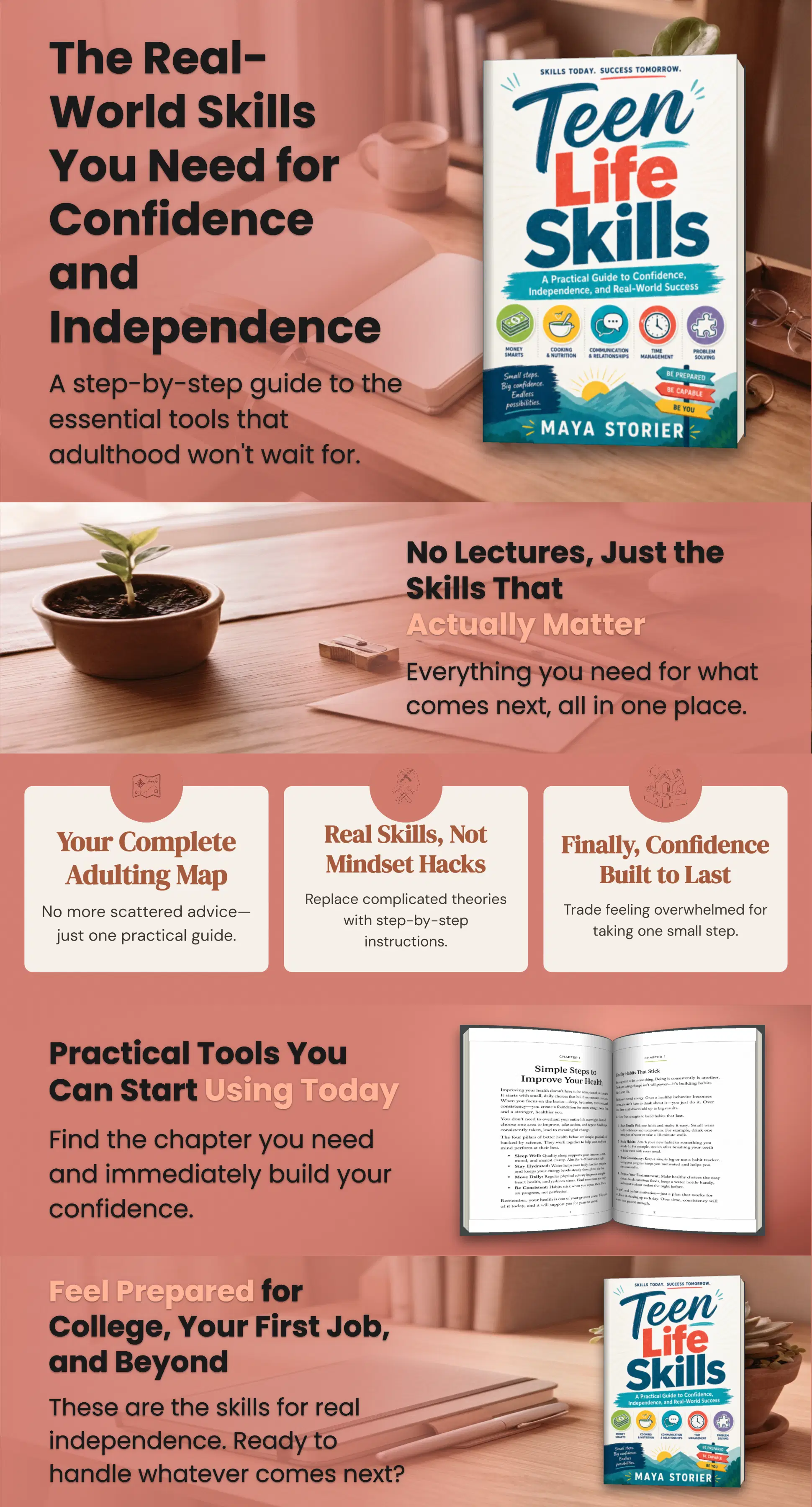
Complete five-module A+ content stack for Teen Life Skills, using warm desk photography, a colorful book cover, practical skill cards, and supporting lifestyle imagery.

02 / 03

Teen Life Skills

Photorealistic

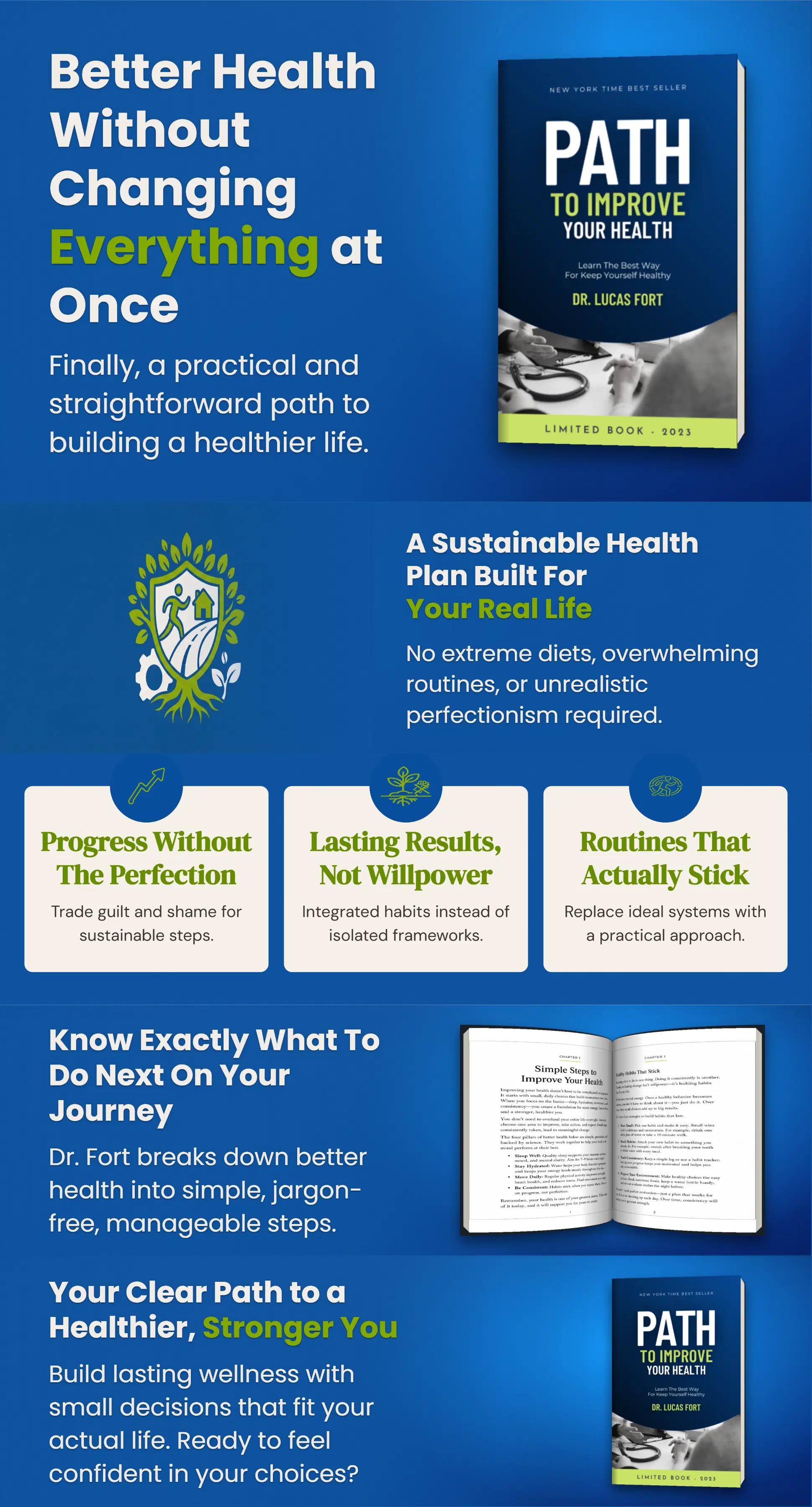
Complete five-module static A+ content stack for Path to Improve Your Health, with a blue health-themed layout, book cover, benefit cards, and sample interior pages.

03 / 03

Path to Improve Your Health

Static

The time question

Why wait hours when it takes minutes?

Sure, you could do it yourself. Spend hours in Canva. Spend an afternoon vetting Fiverr freelancers and hoping the quality lands. Or use A-PLUS Author Studio — built to deliver professional A+ Content in under 5 minutes.

You do all the design work

DIY / Canva

  • Start from a blank canvasChoose layouts, colours, fonts, and images yourself.
  • Write and arrange every moduleTurn your book’s benefits into five coordinated designs.
  • Handle the sizing and revisionsCheck the image dimensions and make every adjustment yourself.
  • Spend your time on designDesign work competes with writing, launch tasks, and everything else.

Another project to manage

A freelancer

  • Search before you can startCompare portfolios, availability, and quotes to find the right fit.
  • Explain your book and your visionPrepare a brief and give feedback so the design reflects your book.
  • Wait for delivery and revisionsWork around the designer’s schedule and agreed revision rounds.
  • Budget for each projectCosts depend on scope, new books and extra revisions may need new quotes.

Your shortcut to a coordinated page

A-PLUS Author Studio

  • Start with your book detailsGive the studio your title, description, and what makes your book different.
  • Get five coordinated imagesGenerate a consistent set of A+ modules without designing each one from scratch.
  • Create on your scheduleGenerate and review your images without searching for or scheduling a designer.
  • Use it for your next book, tooOne-time introductory price of $97 (regularly $199). No studio subscription; separate AI usage charges apply.
Get Instant Access

What's included

Everything to give your book page a finished look.

Practical deliverables for the book you're publishing now — and the ones that come next.

01

The studio tool

A studio you can use for the book in front of you and the books that come next.

02

Five coordinated PNG modules

A complete visual sequence, built from your book details and informed by successful A+ examples.

03

Files ready for Amazon

Keep your finished files and upload them directly to Amazon's A+ Content builder.

04

Room for your next book

Use your own Anthropic or Google Gemini account; provider usage is billed separately.

Keep your files forever. No studio subscription. One-time introductory price of $97 (regularly $199).

See pricing & setup

A word from authors

Easy to use. Easy to love.

A+ Author Studio takes the guesswork out of A+ Content and makes the whole process faster, easier, and much more enjoyable. I love the variety of colors, fonts, text options, and design choices—it’s easy to create polished content that complements each book and its audience. A fantastic tool for beginners, busy authors, or anyone who wants professional results without spending hours creating everything from scratch.
— JanineHealth, wellness & personal development author.
It was so easy!! LOVE the end result. I will definitely use this tool. I have tried a few others and this was by far the easiest!
— Beta testerHistorical fiction author.

ONE PURCHASE. FOR YOUR NEXT BOOK, TOO.

Make a great first impression.

Get A-Plus Author Studio for the book you’re publishing now, and the books that come next.

A quick note on setup

Connect your own API key from Anthropic or Google Gemini. These accounts let the studio use your chosen AI provider. Provider usage is billed separately.

Read the practical details

A-PLUS Author Studio

Introductory price
$199$97

One-time payment

  • Instant access after purchase
  • Create five A+ images for each book
  • Use for future books
  • Keep your finished files
  • No studio subscription
Get Instant Access

AI usage is extra. The current estimate is about $0.70–$1.50 per book; actual cost depends on your provider and usage.

Good to know

The practical details.

What am I buying?

A-PLUS Author Studio is an online tool that turns your book details into five coordinated PNG images for Amazon A+ Content. You upload the images in Amazon's A+ Content builder.

Which AI account do I need?

Use your own API key from Anthropic or Google Gemini. You choose the provider and pay its usage charges separately from the studio purchase.

Are there ongoing costs?

There is no monthly studio subscription. Your AI provider bills separately for usage. The current estimate is $0.70–$1.50 per book, but actual charges depend on the provider and how much you generate.

Do I need design or coding skills?

No design or coding skills are needed to create your images. You will need to set up an account with an AI provider, connect its API key, and upload the finished images to Amazon.

Can I use it for more than one book?

Yes. The studio is intended for the book you are working on and future books. Separate AI usage charges apply when you generate content.

What kind of results should I expect?

The examples show possible design directions. Your images depend on your book and the information you provide. Review them before uploading. Designs, Amazon approval, and sales results are not guaranteed.

Complete stack

A+ Content stack

Five coordinated modules shown together.

Complete five-module illustrated A+ content stack for Teen Life Skills, with a cyan typographic layout, book cover, skill cards, and supporting interior pages.

01 / 03